Report Synchronization
Report Synchronization
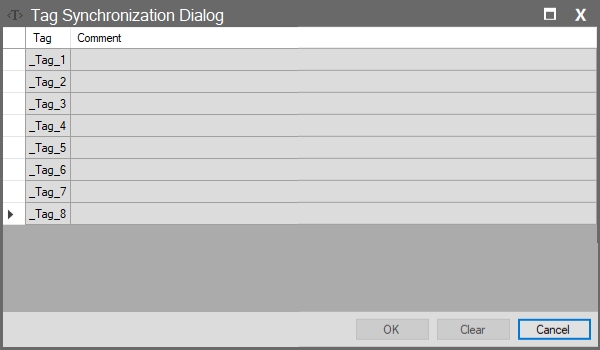
Accessed by clicking the “Tags in Report” column in the Reporting section. This window lists the tags currently used within the report template. No synchronization or mapping operations are performed here; it simply displays the existing tags included in the report.
Column Descriptions
| Column Name | Description |
| Tag | The name of the tag used in the report. |
| Comment | An editable field where the user can add notes or comments regarding this tag. |