
Events Panel
Events Panel
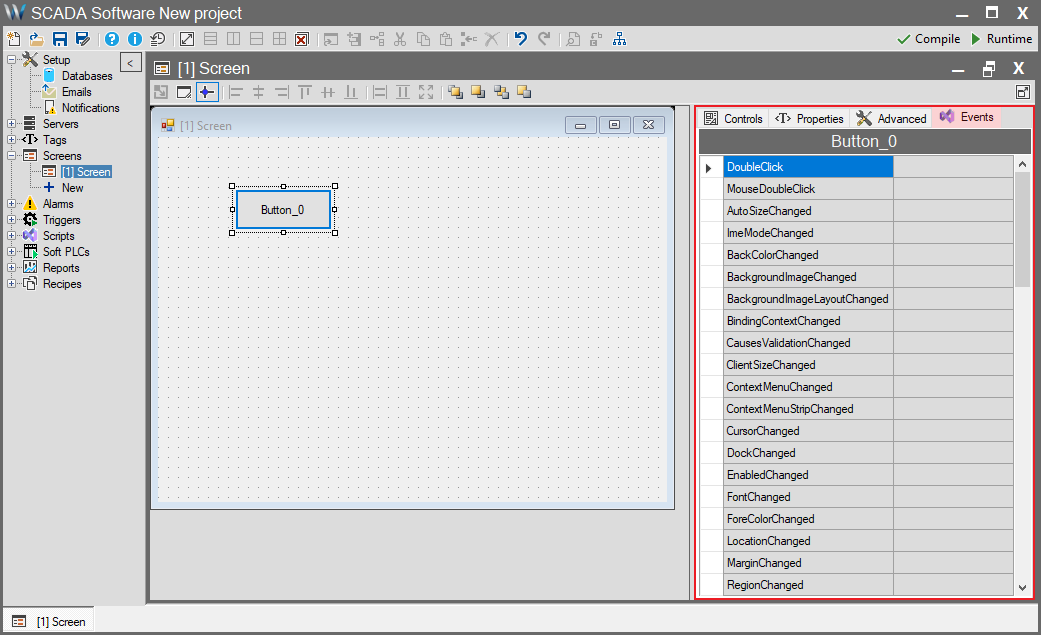
This panel is the area where you manage how the screen itself or the objects within it respond to user interactions (such as Clicking, Loading, Closing, etc.).
The Events panel works in direct conjunction with the Screen Scripts infrastructure.
Core Functionality
When you double-click an event from the list (e.g., Click or Load) or make a selection, the system automatically creates a script block for that event and redirects you directly to the Script Editor to write your code.
This serves only as the place where you select the “Trigger”; the actual action is executed within the script.
Detailed Information and Coding
For detailed information on creating scripts, using the editor, and the C# coding structure, please refer to the Screen Scripts page.